Complete UDISE Plus Portal Guide: School, Student & Teacher Modules Explained
Managing school data can feel like a massive puzzle with a million tiny pieces. If you are an educator or a school administrator in India, you already know how important it is to keep your institution’s records updated on the national database. The official portal makes it possible to track everything from classroom infrastructure to student enrollment and teacher records in one centralized place. Navigating this massive system can sometimes feel overwhelming, but breaking it down into simple steps makes the entire process incredibly smooth and stress-free.
When you first open the platform, the dashboard presents you with different sections designed for specific tasks. This data entry system helps the government understand the status of schools across the country, which directly influences funding and educational policies. Keeping your school profile, teacher details, and student information updated ensures your school stays compliant with national education standards. Let us look at how you can easily handle your digital dashboard tasks without any confusion or technical stress.
Understanding the Basics of UDISE Plus
The Unified District Information System for Education is a massive digital platform created by the Ministry of Education in India. This powerful online system collects essential data from all recognized schools across different states and union territories. It helps authorities plan better educational programs, distribute textbook funds, and improve school buildings based on real numbers. Every registered institution receives a unique eleven-digit identification number that acts as its permanent digital fingerprint on the platform.
Using this system allows the education department to see a clear picture of school performance and resource needs across the country. Instead of filling out hundreds of paper forms like in the old days, schools can now upload everything digitally. This modern approach saves time, reduces paperwork mistakes, and makes school data available to policymakers in real-time. Knowing how to navigate this platform helps you keep your institution’s records completely accurate and up to date.
What is the UDISE Plus School Profile 2025-26?
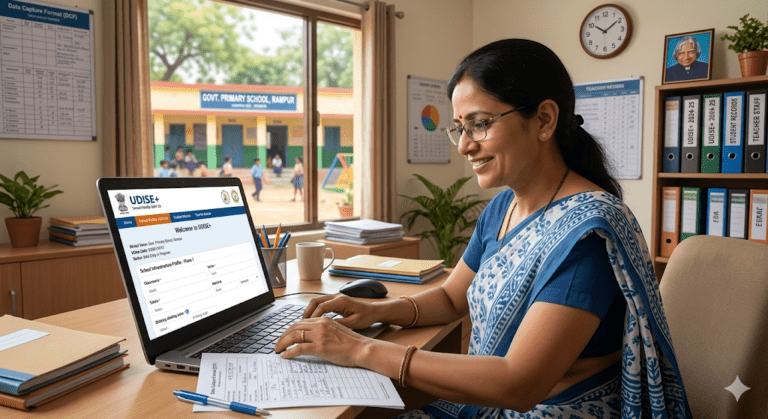
The udise plus school profile 2025-26 section is the very first area that school administrators need to update every academic year. This module focuses entirely on the physical and structural details of your educational institution. You will need to enter information about your school management type, the location of the building, and the medium of instruction used in classrooms. It also requires details about available facilities like drinking water, functional toilets, electricity, and computer labs.
Updating this profile is highly critical because it shows the government what resources your school has or needs. For example, if a school lacks a proper library, the data entered here can trigger special grants to build one. Administrators must review every single line carefully before submitting the final form to avoid any data mismatch. Keeping this profile updated early in the academic session ensures a smooth data entry process for the other connected modules.
Exploring the UDISE Plus Student Module
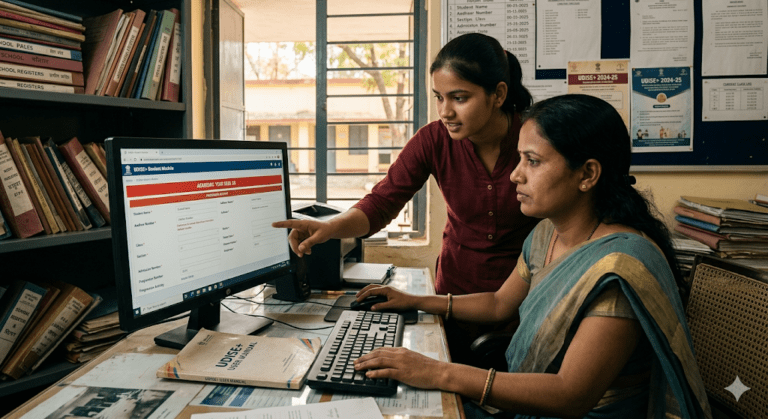
The udise plus student module is a specialized section dedicated entirely to tracking the progress and enrollment details of individual children. This system tracks every single student from the moment they get admission until they pass out or transfer to another school. It records basic details like the child’s name, date of birth, gender, and Aadhaar number securely. Teachers use this platform to build a transparent, continuous record of the student population across the entire nation.
Using this digital tool prevents students from dropping out of the school system unnoticed by authorities. It also helps in managing government scholarship distributions directly to the rightful students without any middleman delays. School staff can easily promote students to the next higher grade or issue digital transfer certificates when a child changes schools. Mastering this specific module makes managing classroom records much simpler for everyday school administration tasks.
New Changes in UDISE Plus Student Module 2025-26
The newly updated udise plus student module 2025-26 brings several smart upgrades to make data entry faster and more secure for teachers. This year, the portal features a much cleaner user interface and faster page loading speeds to handle high volume traffic. It also introduces strict data validation rules to stop users from entering duplicate student records by mistake. The system now sends instant alerts if mandatory fields like the national student ID or mobile numbers are left blank.
Another great addition this year is the simplified bulk upload tool that lets you update entire classroom lists using Excel files. This means teachers do not have to type every single student’s details one by one into the online form manually. The portal also features an improved search tool to find any student across the state using their basic details. Staying updated with these new features will save your school administration team hours of tedious computer work.
Looking Back at UDISE Plus 2024-25 Records
Before you start entering new data, it is always a wise practice to review the udise plus 2024-25 information. The portal keeps a complete archive of the previous year’s submissions so you can compare numbers and check for consistency. Reviewing past records helps you spot any mistakes that might have slipped through during the busy data entry season last year. It also gives you a solid reference point for student promotion numbers and teacher counts.
Many states require schools to finalize their older pending entries before allowing them access to the current academic year dashboards. If you notice any major errors in the historical data, you can contact your block education officer to request a correction window. Keeping a clean track record from previous years ensures your school’s data remains trustworthy and authoritative. Always download a backup copy of your past reports for your school’s physical filing cabinet.
How to Manage UDISE Plus Student Module 2024-25 Data
Completing the paperwork for the udise plus student module 2024-25 session is a prerequisite for opening the new portal tools. In this section, users must ensure that all students from the previous batch are properly marked as promoted, repeated, or left school. If a child moved to another town, their status must be updated so their new school can import them online. Failing to clear these past entries will lock your dashboard and stop you from moving forward.
Teachers can look at the transition rate metrics on their dashboard to see how many kids successfully moved up. The system makes it very easy to track down missing student files using the search by Aadhaar feature on the archive page. Once all individual student statuses from that year are successfully updated, the system generates a final report card for the school. This step creates a clean bridge to the current academic session data entry work.
Deep Dive into the UDISE Plus Teacher Module
The udise plus teacher module focuses entirely on the hardworking educators who drive the school system forward every day. This portal collects deep details about every teacher, including their educational qualifications, teaching experience, and special training background. It tracks whether a staff member is a permanent teacher, a guest lecturer, or part of the non-teaching support team. The government uses this data to plan teacher training camps and fix staff shortage issues.
Whenever a new teacher joins your school, their profile must be added to this module immediately to keep records clean. Similarly, if an educator gets transferred to another institution or retires, their profile must be marked as inactive or shifted. Keeping this module updated helps the education department maintain an accurate student-to-teacher ratio for every school. It ensures that your school satisfies the mandatory staffing guidelines set by national educational boards.
Quick Setup Steps for School Administrators
Getting your school ready for the data entry process requires a few basic preparation steps before opening the website. First, gather all your updated physical registers, including the student admission book, teacher files, and building inventory lists. Make sure you have a stable internet connection and a modern web browser installed on your computer or tablet. Having all your paperwork organized on your desk beforehand saves you from clicking back and forth constantly.
Next, ensure that you have the correct security credentials sent by your local district education authorities securely. If you are accessing the portal for the very first time, the system will prompt you to change your temporary password immediately. Choose a strong password that includes letters, numbers, and special symbols to keep your school data safe from unauthorized access. Once your dashboard opens successfully, you are completely ready to start updating your institutional records.
State Specific Portals: Focusing on UDISE Plus UP
Different states in India sometimes use customized versions of the portal, such as udise plus up for schools located in Uttar Pradesh. This regional dashboard caters directly to the massive network of schools across the state, ensuring local languages and systems fit perfectly. The local education department uses this specialized interface to distribute state-level benefits, student uniform funds, and free midday meal resources. It follows the same core guidelines as the central portal but includes localized reporting tools.
Teachers working under this state system must stay in close touch with their block resource coordinators for regional updates. Sometimes, the deadline dates for data submission in specific states might differ slightly from the central education board schedule. Using the correct regional gateway ensures that your school’s data reaches the local district officers for verification without any technical errors. Always check your local education department notices for state-specific instructions.
Navigating the UDISE Student Module Interface
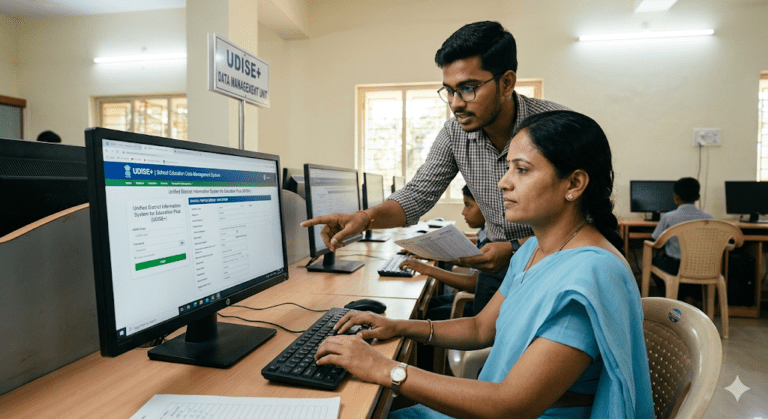
The user dashboard for the udise student module is designed with simple menus to help teachers input child data quickly. On the left side of the screen, you will see a clear navigation list showing different classes and sections. Clicking on a specific grade opens up a clean table containing the names of all enrolled students in that room. From here, you can add new student files, modify existing profiles, or delete incorrect entries easily.
The interface uses color-coded indicators to show the completion status of each child’s digital profile form. A red mark means the form is incomplete, while a bright green mark shows that the data is successfully saved and verified. Teachers should aim to turn all student profiles green before the final submission deadline arrives. This helpful visual system makes it incredibly easy to see exactly how much work is left to finish.
Crucial Tips for a Smooth UDISE Plus Experience
Working on the national educational database can sometimes feel slow if thousands of users are trying to access it at once. To avoid server lag, try to schedule your data entry work during early morning hours or late evenings when traffic is light. Always click the save button after filling out each individual section of the form so you do not lose progress. It is highly recommended to double-check spelling errors in names and numbers before hitting the final submit button.
Comprehensive Overview Table
The table below breaks down the primary modules available within the udise plus system and shows what data you need to collect for each section.
| Module Name | Primary Focus | Key Data Fields To Collect | Target Completion Timeframe |
|---|---|---|---|
| School Profile | Institutional Infrastructure | Classrooms, toilets, electricity, internet, playground | Early Academic Year |
| Teacher Module | Faculty & Staff Records | Qualifications, experience, Aadhaar, training history | Mid Academic Year |
| Student Module | Child Enrollment & Progress | Name, age, parent details, grades, attendance records | Continuous / Year-Round |
| Report Dashboard | Data Verification & Analytics | Summary sheets, student count graphs, compliance scores | End of Academic Session |
Summary of Best Practices
Keeping your educational data clean requires continuous effort throughout the school year rather than a rushed job at the last minute. By breaking the task down into small weekly goals, school teams can finish their digital documentation effortlessly. Remember that accurate data helps the government build better facilities and provide wonderful opportunities for students nationwide. Stay organized, keep your login credentials safe, and approach the portal step-by-step for the best results.
Frequently Asked Questions
What should I do if I forget my school password?
You can easily click the forgot password link on the main portal page to reset it. The system will send a secure password reset link or an OTP verification code to the registered mobile number of the school principal. If that does not work, you can write an official request letter to your district MIS coordinator to unlock your school account manually.
Can I edit student data after clicking the final submit button?
Once you click the final submission button, the data gets locked for security reasons to start the official verification process. If you need to make urgent changes after locking, you must submit a formal correction form to your block education officer. They have special administrative rights to unlock your school dashboard for a brief period so you can fix errors.
Why is the Aadhaar card number mandatory for the student module?
The Aadhaar card number helps the digital system verify the true identity of each child and prevents duplicate admissions across different schools. It ensures that government educational benefits, cycle distribution funds, and direct scholarships reach the genuine student safely. If a student does not have an Aadhaar card yet, you can temporarily use their enrollment identity number to proceed.
How often do we need to update the teacher module data?
The teacher portal must be updated whenever a significant change happens in your school faculty roster during the session. This includes adding new teachers who just joined, removing staff who resigned, or updating promotional details and new training certificates. A complete review of all staff data must be performed and finalized at least once every single academic year.
What is the eleventh digit school code called?
The eleven-digit number is known as the unique school code, which is generated automatically by the education department system upon registration. The first two digits represent your state, the next two show your district, and the remaining numbers pinpoint your specific block and school cluster. This code is mandatory for all official educational correspondence and data entries on government websites.
Can we operate the student portal using a smartphone?
Yes, the modern portal design is mobile-responsive and can be accessed using a standard web browser on a smartphone or mobile tablet. However, for a comfortable data entry experience with large student spreadsheets, using a laptop or a desktop computer is highly recommended. Computers give you a much wider view of the data columns and help reduce accidental typing mistakes.